When users sit at a workstation that has not been setup with Outlook to access their emails, they can follow this tutorial to setup and use Outlook.
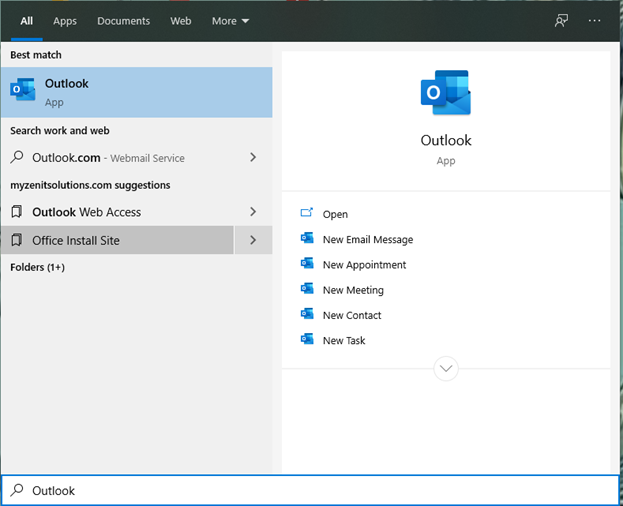
Step 1) Go to the Start Menu and type “Outlook” and click to open Outlook
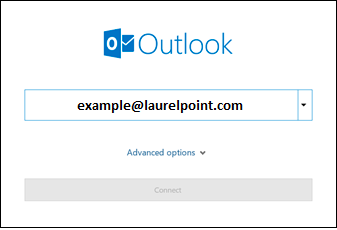
Step 2) Enter your email address and click “Connect”
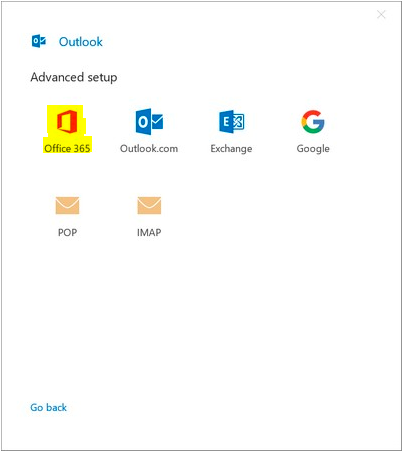
Step 3) At the next dialog box select “Office 365”
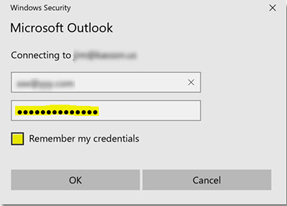
Step 4) A pop-up will open asking you to enter your password for your email:
Enter your email password and check the box to “Remember my credentials” and click “OK”
Then Outlook will begin “preparing your inbox” and you will be good to go!